
How do I create a task?
Task Management- 1Work Center — press New in the top right and choose Create Task
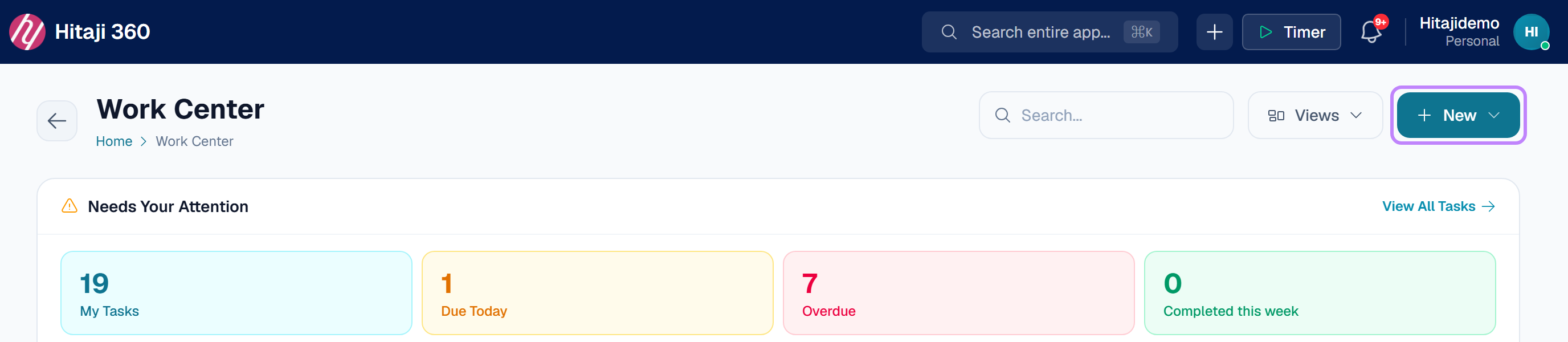
- 1Open Work Center.
- 2Press New in the top right and choose Create Task.
- 3Pick the workspace it belongs to.
- 4Type what needs to be done — this is the only required field.
- 5Press Create, or Save & New if you have several to add.