
How do I find my way around Hitaji?
- 1The app launcher, the grid icon in the top bar — search, the box at the top
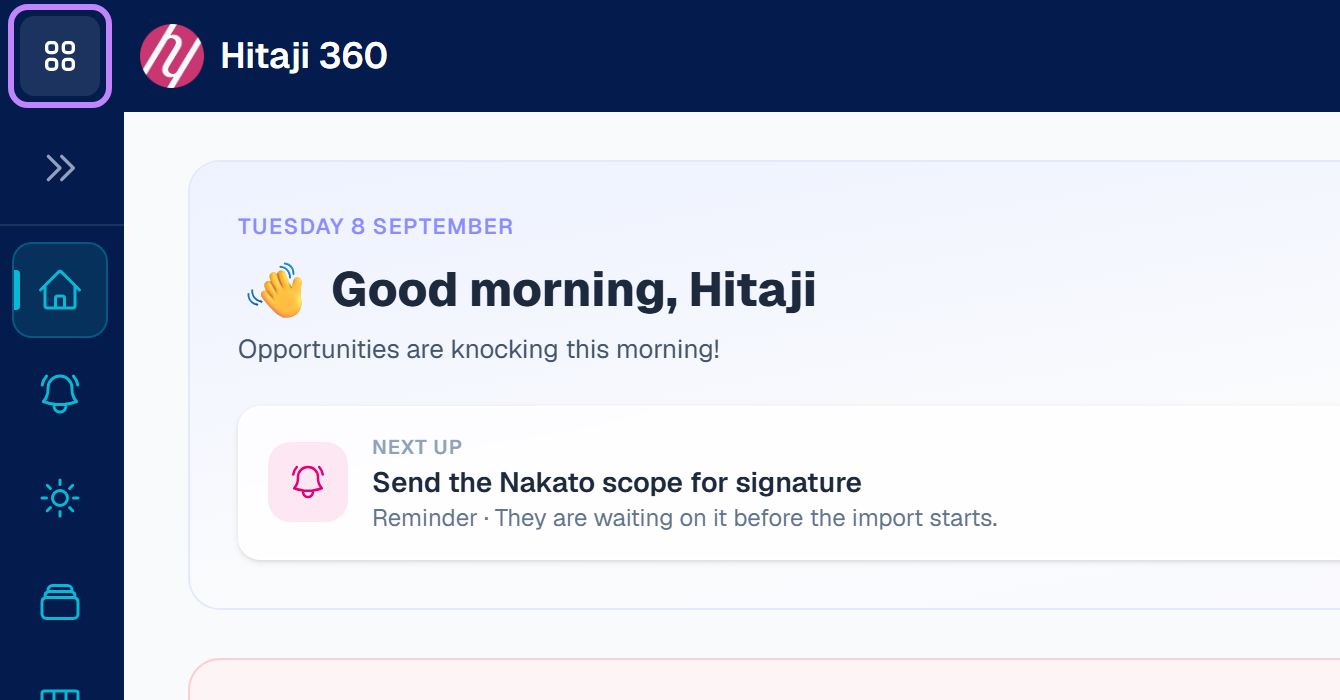
- 1The app launcher, the grid icon in the top bar. It lists everything you have access to, grouped by product. Use it when you are browsing, or when you do not yet know what a thing is called.
- 2Search, the box at the top — or press Ctrl and K together (⌘K on a Mac). Start typing and it finds pages, your own records, and answers from this Academy. Fastest once you know roughly what you want.
- 3The sidebar on the left, which keeps the places you are in and out of all day within one click.