
How do I create a work plan?
Task Management- 1Work Plans in the Work Center — press New Work Plan
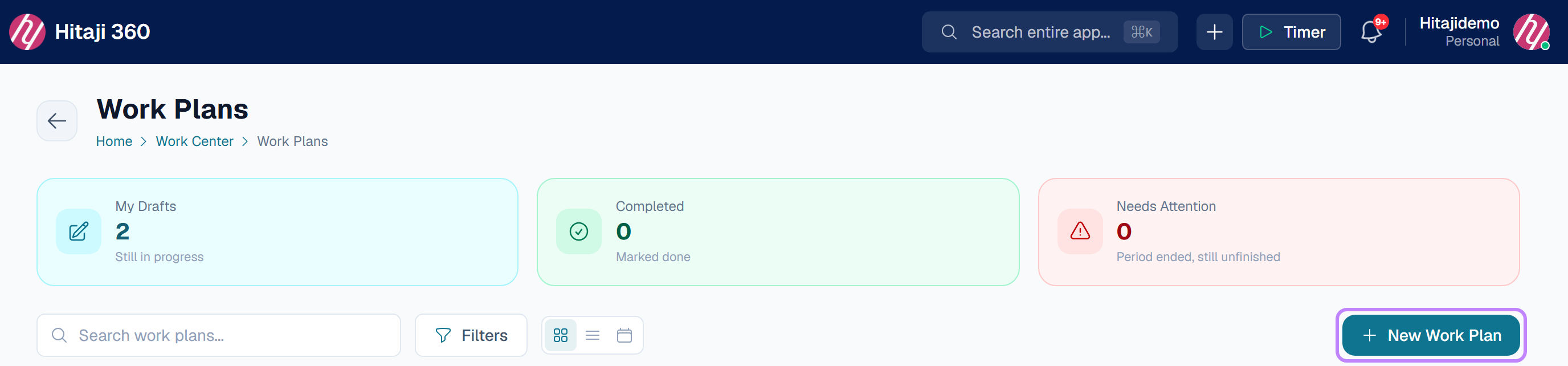
- 1Open Work Plans in the Work Center.
- 2Press New Work Plan.
- 3Project is optional. Name, Start date and End date are required.
- 4Fill in the Objective, prompted with What is this plan setting out to achieve?, and a Planned cost if you have one.
- 5Save, then attach the tasks, lists and goals that serve the plan.