
How do I create a notebook?
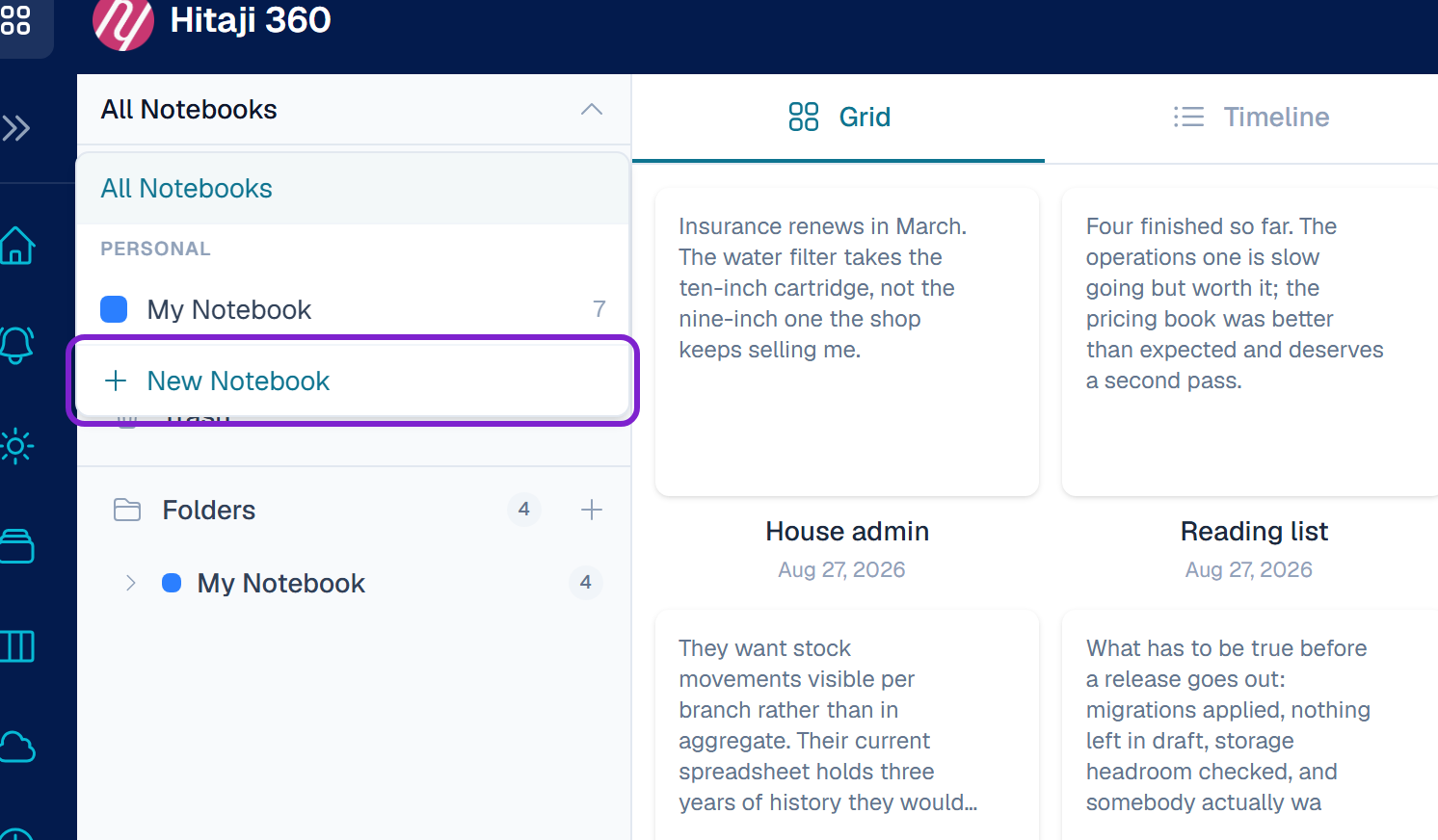
Hitaji Notes- 1Notes — start a new notebook from the sidebar
- 1Open Notes.
- 2Start a new notebook from the sidebar. If you press New Note without having a notebook, Hitaji asks you to create one first and takes you to the same form.
- 3Give it a Name, and a Description if it helps other people understand what belongs in it.
- 4Pick a colour and an icon so it is easy to spot in the sidebar.
- 5Choose the type: Personal, Shared or Organisation. Organisation only appears if you belong to one and have permission.