
How do I create a channel for my team?
Hitaji Chat- 1Make sure you are in the Organization context — press the round + button and…
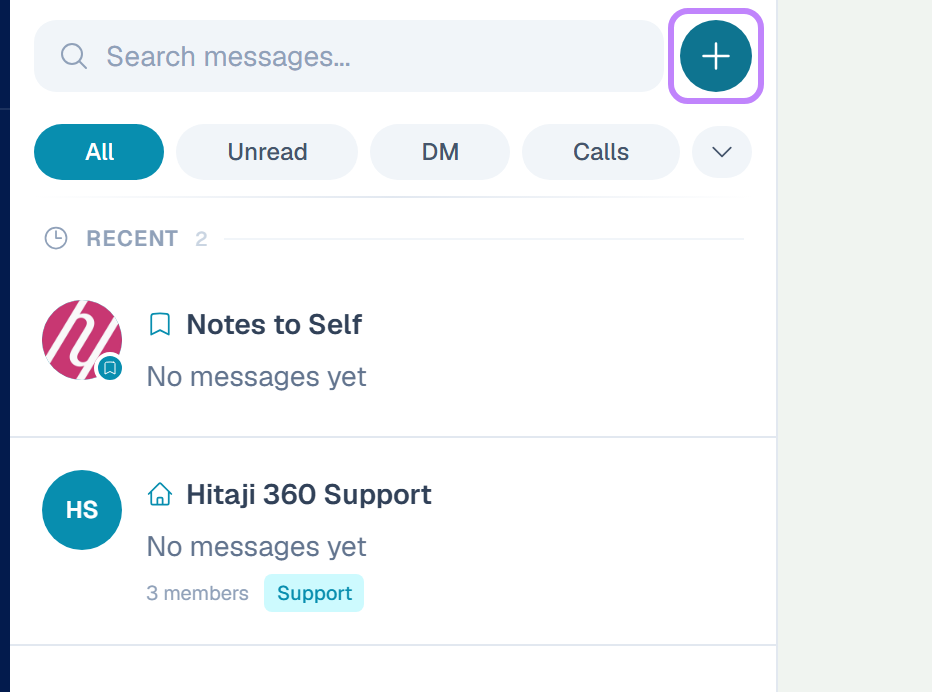
- 1Make sure you are in the Organization context — channels do not exist in personal.
- 2Press the round + button and choose the Channel tab.
- 3Fill in the Channel Name and the description, which asks What is this channel for?
- 4Decide on the Public Channel toggle. Public means colleagues can find and join it themselves.
- 5Press Create Channel.