
How do I switch between day, week and month views?
Calendar & Scheduling- 1Press D, W, 3, M, Q, Y or A to switch view, and T for today
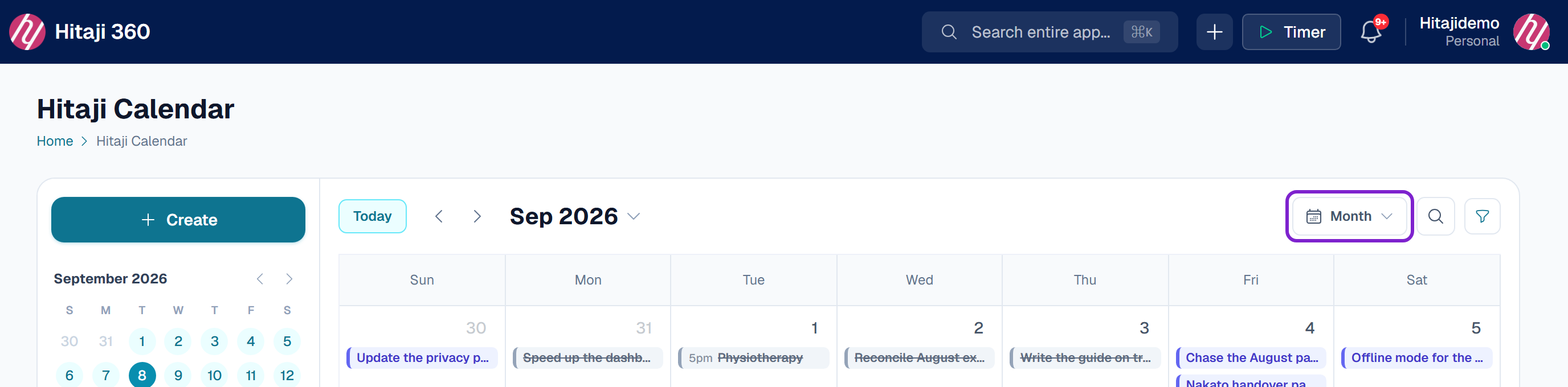
- 1D Day, W Week, 3 3-Day, M Month
- 2Q Quarter, Y Year, A Schedule
- 3T jumps back to today — there is also a Today button and previous/next arrows